Guide
A quarter of GST,
from photograph to filing
7 screens from the real product, in the order you meet them. Nothing here is a mock-up — this is what TaxMaldives looks like once your own invoices are in it.
/settings
Step 1 of 7
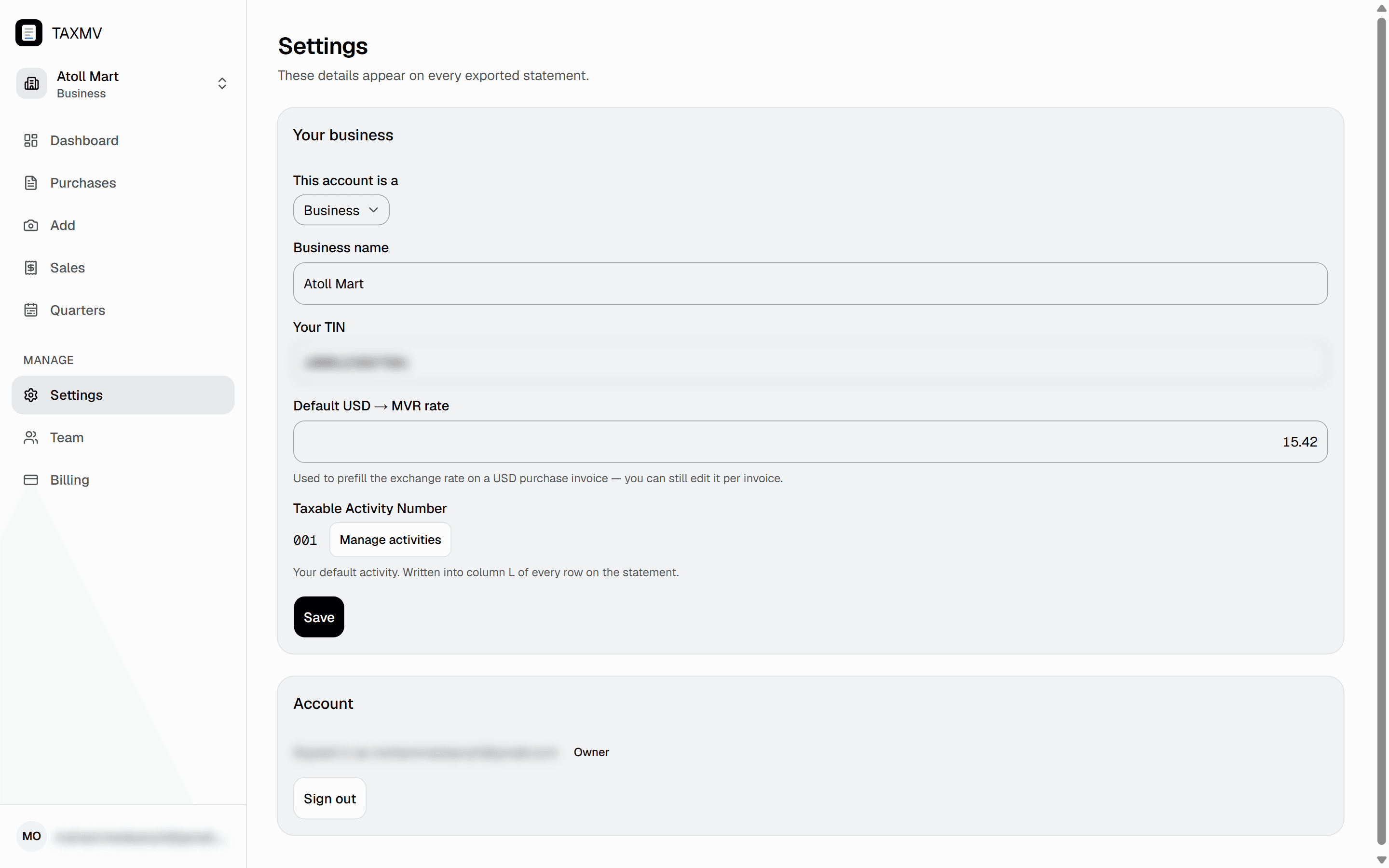
Tell it who you are
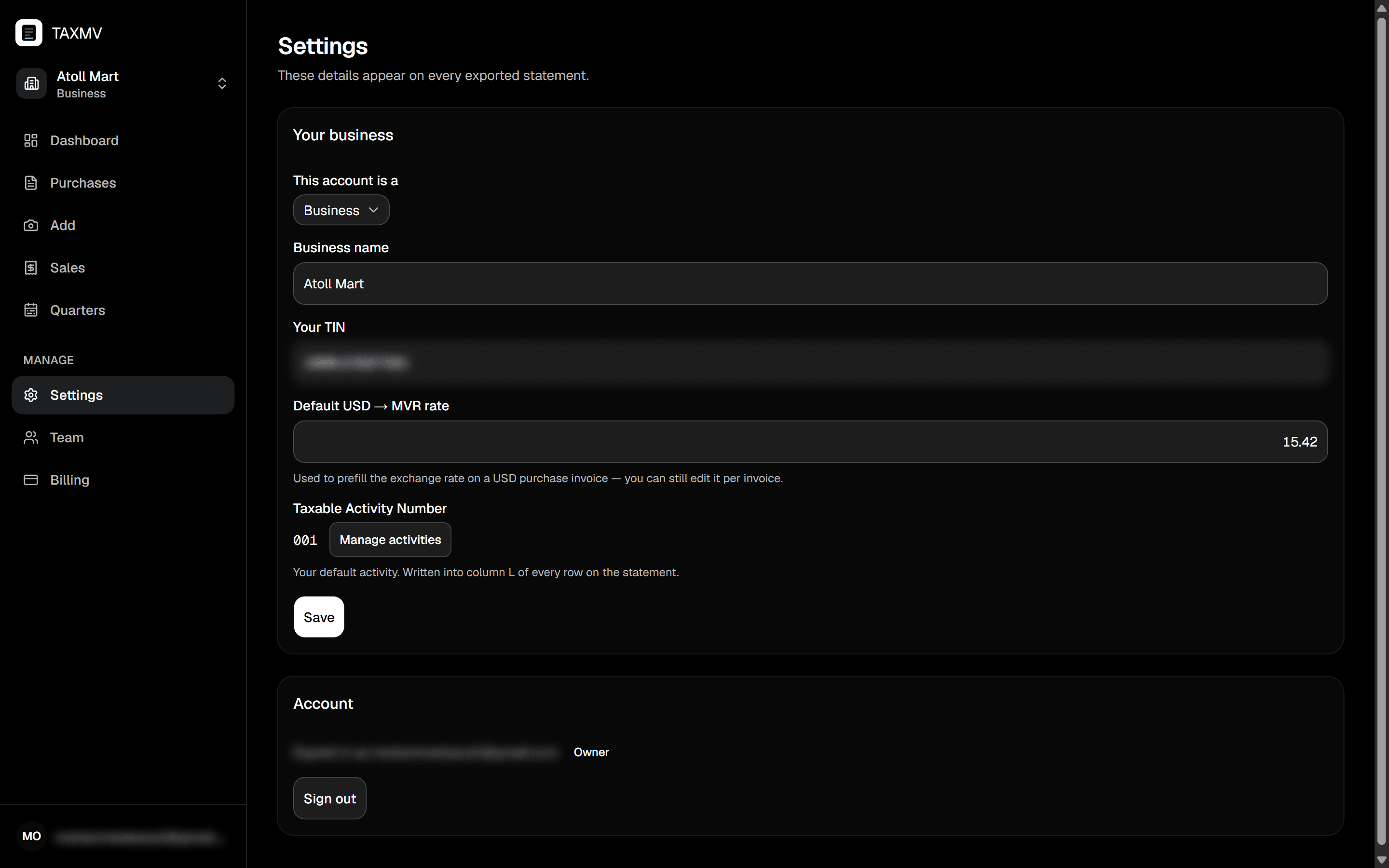
Three fields, once. The Taxable Activity Number is the one the export cannot do without — column L of the statement comes straight from it, and stays empty until it is set.
- Your TINThe number MIRA knows you by. It heads the statement you file.
- Default USD → MVR ratePrefills the exchange rate on a dollar invoice. You can still override it per invoice — this only saves the typing on the common case.
- Taxable Activity NumberWritten into column L of every row on the export. If you run more than one activity, keep them here and each sale is attributed to the right one.
The first invoice takes about a minute
Start on the free trial, photograph one supplier invoice, and see the whole of the above happen to it. No card, and nothing renews on its own.
Stuck on something this guide does not cover? WhatsApp or support@taxmaldives.com.